
13.08.2026
Calm UX: Why Efficient Systems Fail
Digital products are often judged by how quickly processes run, how few clicks are required, or how efficiently tasks can be completed. Nevertheless, many projects show that even when applications are considered optimized, they can still cause uncertainty, errors, or resistance among users.
It is particularly evident in complex or critical usage situations that efficiency alone does not automatically lead to effective results and a good user experience. On the contrary, systems can be formally efficient while still causing users to fail in their attempts to use them.
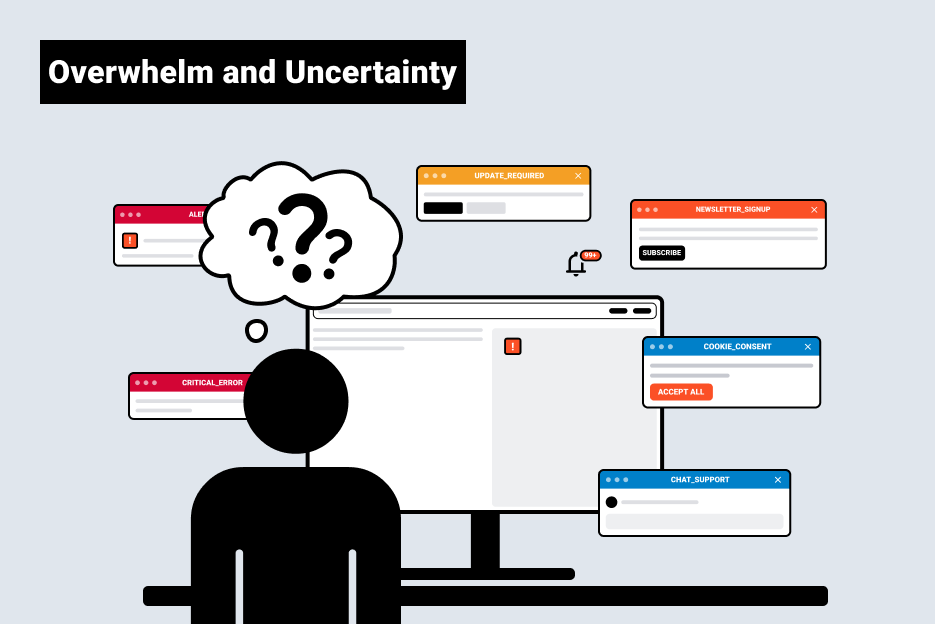
A shift in perspective is needed, and this is exactly where Calm UX comes in.
Why Efficient Systems Cause Stress
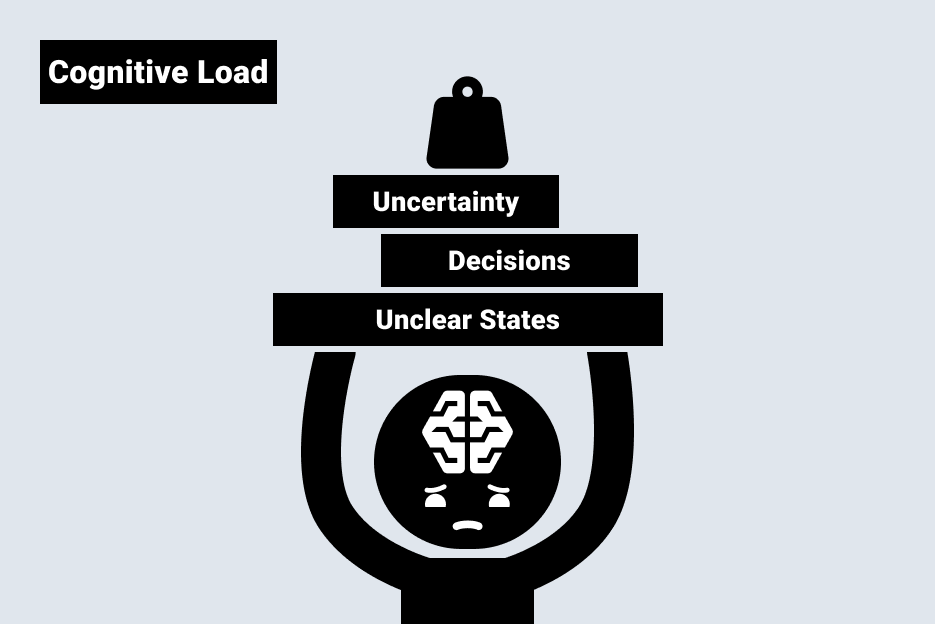
Systems create mental strain. This may be due to high complexity, but more often it is because reducing mental strain was not taken into account. When situations remain unclear, decisions are mentally taxing, or users do not understand why a system does something, the cognitive load increases – regardless of how efficiently a process is designed on paper.
As a result, the logic of efficiency alone often undermines itself. This is because systems that constantly demand attention and overwhelm users create uncertainty. The result: People make poorer decisions, commit more errors, lose trust, or bypass the systems entirely. This quickly becomes a problem, especially in critical contexts such as healthcare and social care, or in industrial systems.

Calm UX is becoming increasingly important
Technological change is currently transforming not only processes but also the role of digital systems. Applications are becoming more autonomous, AI-powered functions are making preliminary decisions, and interfaces are responding more dynamically to contextual data. Many developments are occurring in parallel and are simultaneously increasing the pressure on users: decisions must be made more quickly, the volume of information is growing, and responsibilities are shifting.
In fields such as healthcare, social services, safety-critical industries, and complex work environments, people often interact with digital products while under high stress, time pressure, or uncertainty. If the system creates additional mental strain in such situations, it becomes a real risk:
Important information is overlooked, recommendations are misinterpreted, or decisions are delayed due to uncertainty.
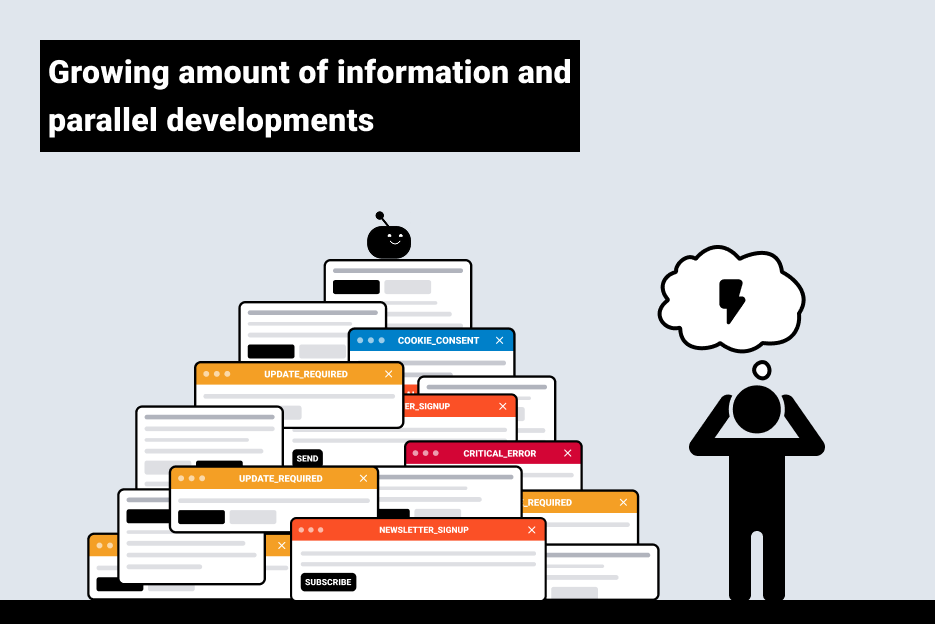
That is precisely why it is no longer enough to optimize digital products solely for speed or automation. Systems must not only provide functional support to people, but also reduce their cognitive load.
What is Calm UX?
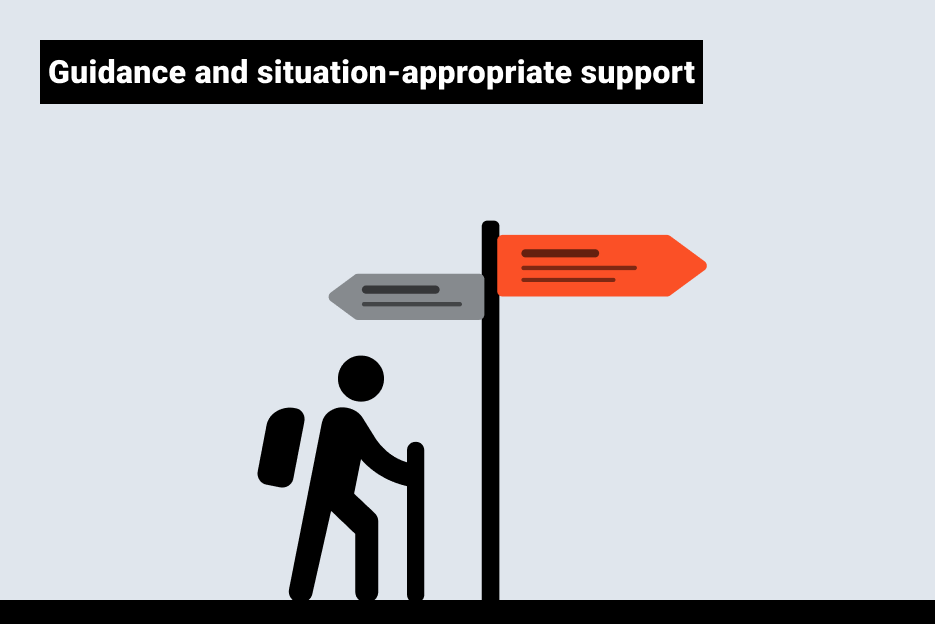
Calm UX is not a design style or a rigid framework. It describes an approach to managing attention, cognitive load, and responsibility in digital systems.
The central idea: Good systems don’t demand attention. They provide guidance, reduce uncertainty, and support users in a way that’s appropriate to the situation.
This is based on our understanding of how humans process information: Our attention is limited, and we can only process information in small amounts at a time. Any additional demands—such as unclear situations, unexpected behavior, or complex decisions—increase the cognitive load. At the same time, not every interaction demands the same amount of attention. Recurring or familiar actions can be performed almost automatically, while new or unclear situations require significantly more conscious processing.
Good to know
Cognitive load cannot be avoided—but it can be significantly reduced through clear design, familiar patterns, and fewer distractions.
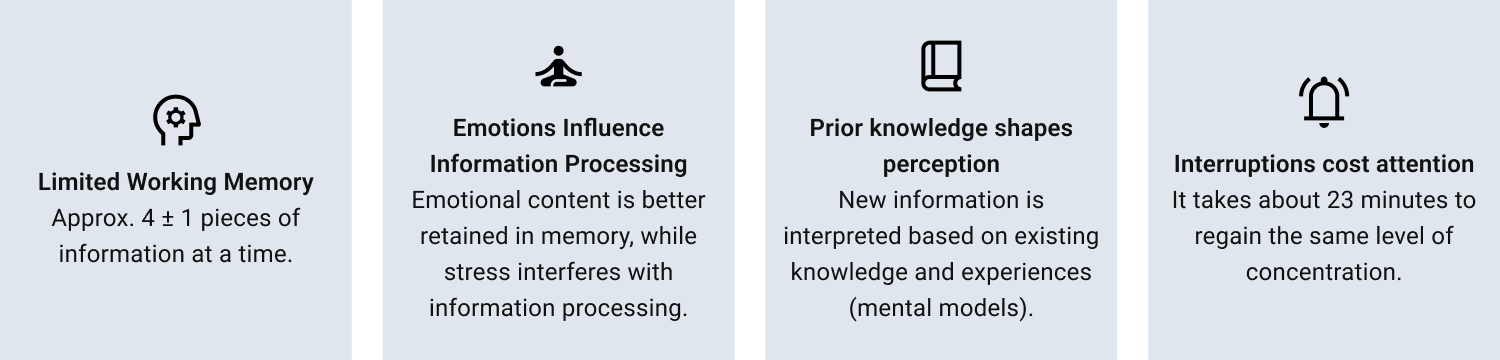
How Calm UX Takes the Pressure Off Systems
The impact of Calm UX is evident in how systems handle people’s limited cognitive resources:
- Comprehensible System States
Users must be able to understand at all times what a system is doing, why it makes certain recommendations, and what the consequences of an action are. Clarity reduces cognitive load, even when processes are complex. - Conscious Use of Attention
Good systems only demand attention when it is truly needed. Information is displayed based on context, rather than being constantly visible or present at all times. - Prepare decisions instead of overwhelming them
Instead of overwhelming users with options, systems support them through prioritization, context, and comprehensible recommendations. This allows users to maintain control without creating mental overload. - Stable Mental Models
People expect consistent behavior. When systems respond predictably and feedback is clear, a sense of security is created. When they do not, uncertainty and cognitive load increase. - Information is based on relevance, not completeness
Not all information needs to be visible at all times. What matters is that information is available when it is needed.
What are the benefits of this?
For organizations, Calm UX is much more than just a “better user experience.” The benefits are directly reflected in product quality and cost-effectiveness:
- Better decision-making through reduced cognitive load
- fewer errors and misinterpretations, since conditions are communicated more clearly
- greater trust, because systems respond in a transparent manner
- greater long-term acceptance of digital products and services
- Lower support and training costs, since less explanation is needed
It is particularly evident in complex or AI-powered systems that reducing mental strain has a greater long-term impact on success and usage than the mere pursuit of efficiency.
Designing Applications Without Load
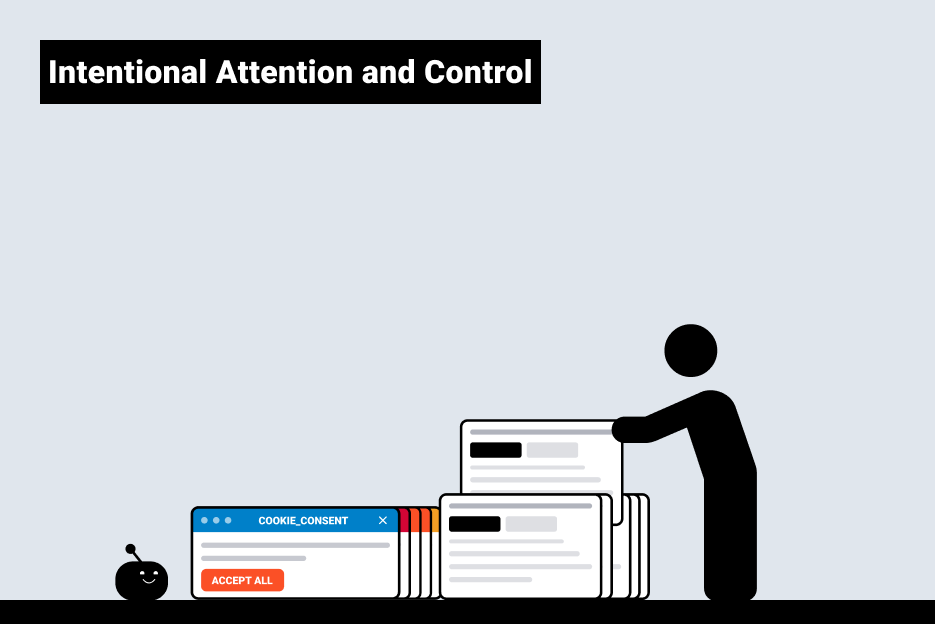
Calm UX doesn’t mean designing interfaces to be as minimalist or unobtrusive as possible. Rather, what matters most is how systems handle attention. The design process is about consciously deciding when a system needs attention and when it doesn’t. What information is truly important? How can system behavior be made understandable without unnecessary explanation? And where do users need control rather than automation?
It is just as important not to simply make decisions, but to prepare them thoroughly – for example, through clear structure, sensible prioritization, and transparent processes.
In practice, this leads to specific changes in how the system behaves: clear status indicators, fewer interruptions, better-prioritized information, and decision-making logic that provides guidance.
Liebherr: The user interface has been streamlined to focus on the essentials. A clear visual language, reduced information density, and guided interaction steps ensure a system that remains easy to grasp even in complex work situations and reduces cognitive overload.
DESKO – ID Analyze: Identity verification processes have been designed so that critical information is displayed in a context-sensitive and prioritized manner. Instead of displaying all data at once, the system actively guides users through the process, thereby reducing uncertainty in security-critical decisions.
HoloMed (AR in the OR): In a highly sensitive medical context, the density of information was deliberately reduced and embedded within the specific surgical scenario. The AR display provides targeted support at key decision points without constantly drawing the surgeon’s attention away from the procedure.
Why Calm UX Is Becoming Crucial in the Context of AI
With AI-powered systems, the role of digital products is shifting: they make recommendations, set priorities, or make preliminary decisions. As a result, their behavior often becomes less transparent, while expectations regarding the outcomes rise. This increases uncertainty at the moment of use, especially in critical situations or when making high-risk decisions.
What Companies Can Do Specifically Today
The principles of Calm UX are evident not only in visual interface design, but also in fundamental decisions about how systems behave and handle attention and responsibility. Accordingly, the design process does not begin with individual screens, but with a structured, user-centered approach.
A key approach here is a classic user-centered design process: The first step is to systematically understand usage contexts, stressful situations, and decision-making requirements – for example, through context analyses, interviews, or observations. Building on this, critical situations can be identified in which cognitive load, uncertainty, or time pressure play a central role. Existing systems can be specifically reviewed, for example through UX reviews or expert evaluations. This reveals where avoidable cognitive load is currently occurring.
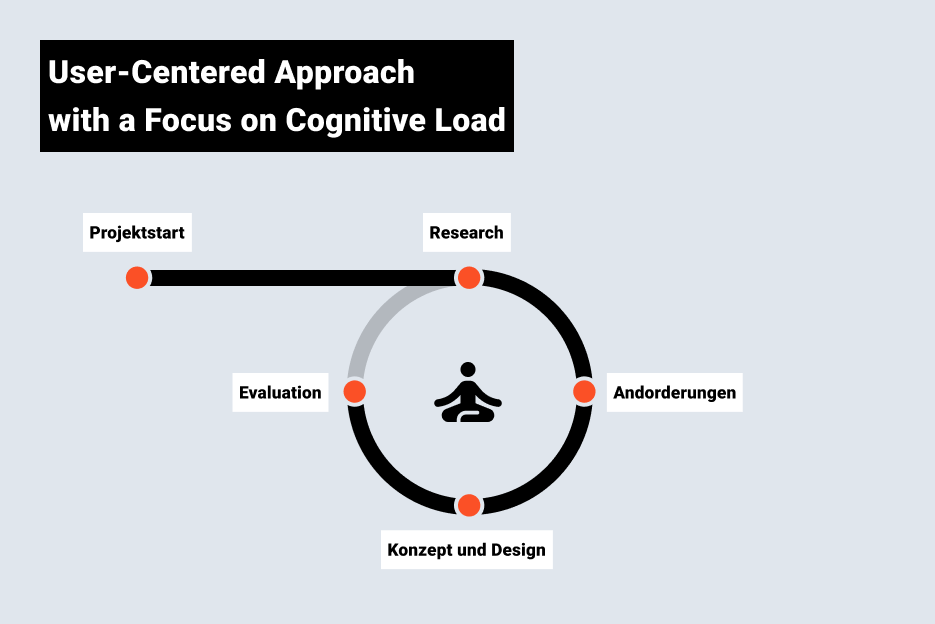
Especially in an era of increasing automation, reducing mental strain is becoming a hallmark of quality in digital products. As a result, the focus is shifting from pure efficiency to a targeted approach to managing attention, orientation, and decision-making confidence in digital systems.
If you’d like to find out how the principles of Calm UX can be specifically integrated into your products, we’d be happy to assist you – from analyzing existing systems to implementing user-centered solutions.
The author
As a user experience designer at UID, Jessica Schiller designs digital products from the initial concept to the final design. With a clear focus on user needs and brand identity, she develops design systems and explores how digital products can best support human perception, attention, and decision-making processes.

More on the topic
- UX Design
- User Research
- Subscribe to the UID Newsletter (in German)