
20.10.2026
Will the AI Prototype Replace the Paper Prototype?
One prompt, two minutes, and a clickable app with real data appears on the screen. Do you still need a pen, paper, and Post-its? Our answer: Yes. The AI prototype doesn’t replace the paper prototype – it shifts its role. Read on to find out why that is and how you can cleverly combine the two during ideation.
AI tools generate functional interfaces from a brief description. What used to take days in a prototyping tool is now created on the fly during a workshop. The obvious conclusion is: low-fidelity prototyping has had its day. Our project experience paints a different picture.
Paper is a tool for thinking
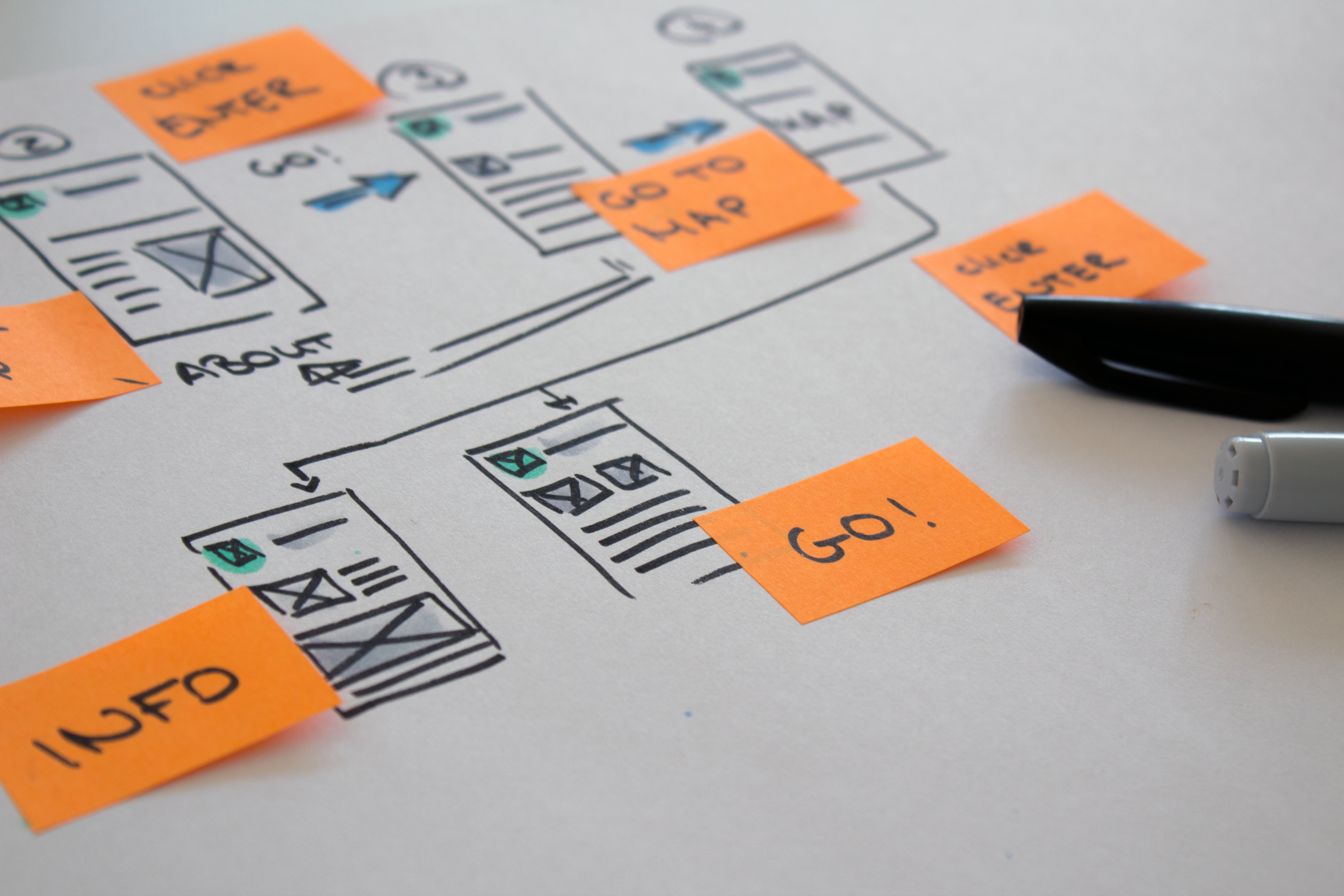
Paper prototypes, scribbles, storyboards, and rough wireframes have never been primarily intended to represent the product during the ideation phase. They are tools that a team uses to think together. Their strengths lie precisely in the fact that they appear unfinished.
The Advantages of Paper Prototypes
- They invite criticism: A sketch looks like a draft. Users and stakeholders openly point out what doesn’t work and discuss workflows instead of pixels.
- They’re easy to discard: Anyone who’s spent ten minutes on an idea can scrap it without hesitation. This keeps the range of possible solutions open.
- Everyone can participate: subject matter experts, developers, and product managers all draw on an equal footing. No one needs a tool or a prompt.
- They force clarity: Anyone who puts an idea on paper has to decide what belongs on a screen and what doesn’t.
The AI prototype brings ideas to life
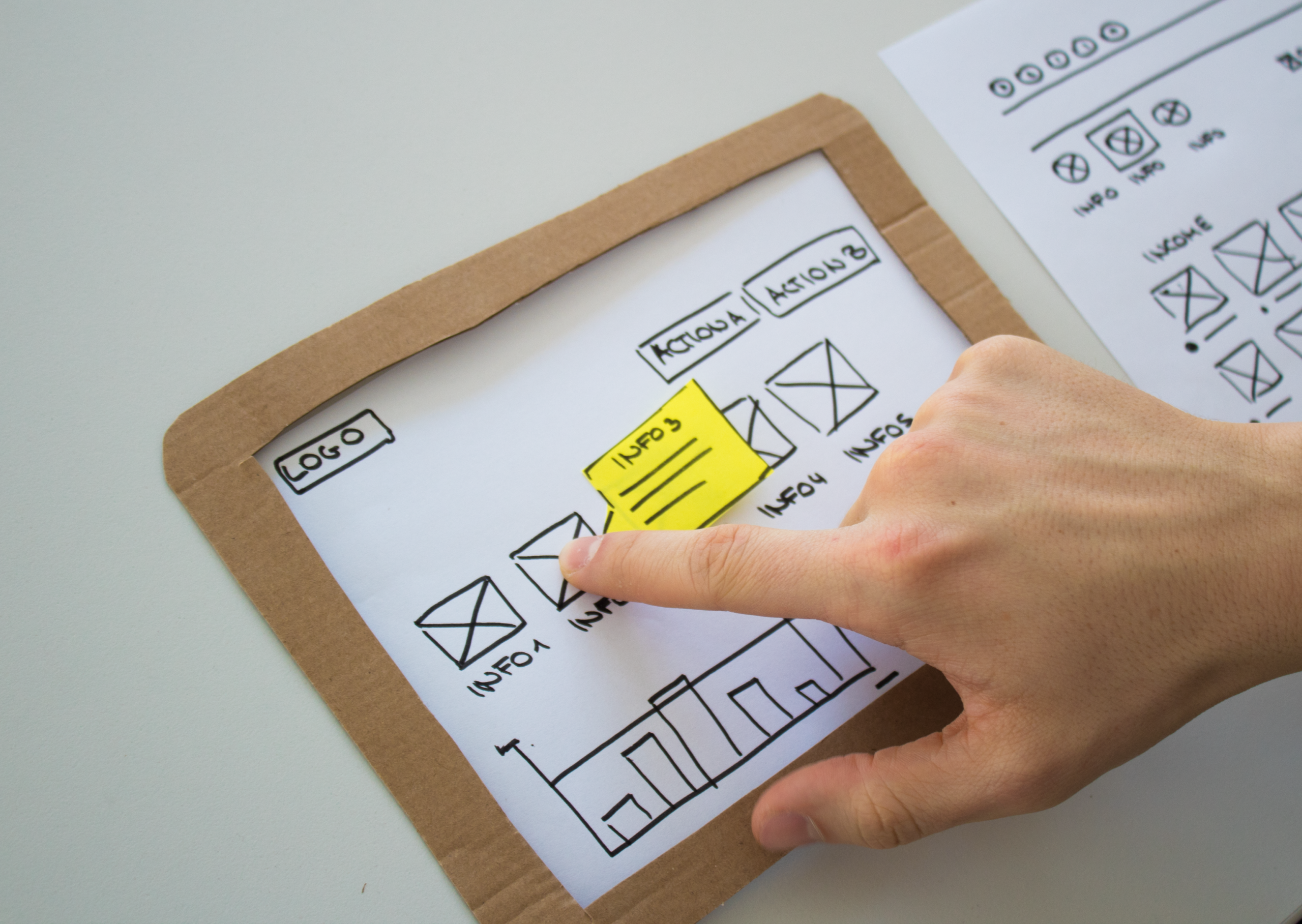
AI prototypes showcase their strengths where paper reaches its limits. Users experience interactions rather than just imagining them: filters respond, forms are validated, and dialogs branch out. AI generates multiple variants in a short amount of time and compares them directly. Tests with realistic content are possible and quickly raise new questions, particularly in data-intensive enterprise and industrial applications.
But this persuasiveness also has a downside. An AI prototype looks more polished than the idea behind it actually is.
This leads to three typical effects:
- Early commitment: The first convincing result sets the tone. Alternatives are explored less frequently.
- Misguided feedback: Users comment on colors, icons, and text, even though it’s actually the concept that’s under scrutiny.
- Mediocrity as the default: Generated interfaces follow common patterns. This is solid, but rarely the solution that fits a specific usage context perfectly.
Fidelity follows the question, not the effort
Until now, there was a simple rule of thumb: early, fast, and inexpensive meant low fidelity. The amount of effort required and the level of detail went hand in hand. AI breaks this link, because high fidelity now takes hardly any time at all.
This eliminates a “natural” protective mechanism. In the past, the effort involved prevented teams from getting into too much detail too early. Today, designers must make this decision consciously. The key question, therefore, is: What does the team want to find out with a prototype?
- When it comes to the problem domain, the workflow, or the information architecture, paper is sufficient. Often, it’s even better.
- When it comes to interaction, dynamic behavior, or working with real data, the AI prototype provides reliable answers more quickly.
- When it comes to gaining management buy-in, the AI prototype helps convince them. However, it is no substitute for testing with real users.
Paper for thinking, AI for experiencing
In our projects, a clear division of labor has proven effective:
Diverging on Paper
Sketch lots of ideas as a team, roughly and quickly. This is where breadth emerges.
Converging with AI
Translate the two or three strongest approaches into AI prototypes and bring them to life.
Testing with Users
Test the variations with the target audience and ask specific questions about the concept and workflow, not about the visual design.
Evaluating with Expertise
Assess the results with domain expertise. The AI provides artifacts; insights emerge from the team.
Our tip: Make your AI prototypes look intentionally unfinished. Use prompts to request grayscale, placeholder text, and a wireframe look. This way, you can take advantage of the AI’s interactivity while maintaining the openness of paper.
Conclusion
The AI prototype is not the successor to the paper prototype, but a new stage in between: as fast as a sketch, as tangible as a clickable mock-up. Responsibility shifts from creating to evaluating. Those who understand this iterate faster and still make the right decisions. So never put down your pen.
The author
Verena Reuter, a Senior User Experience Consultant, has been with UID since 2012. Her work focuses on the design of touch-based machine controls and the optimization of enterprise software. Verena studied product design and creative direction.